« To Remove content from your account: Overview
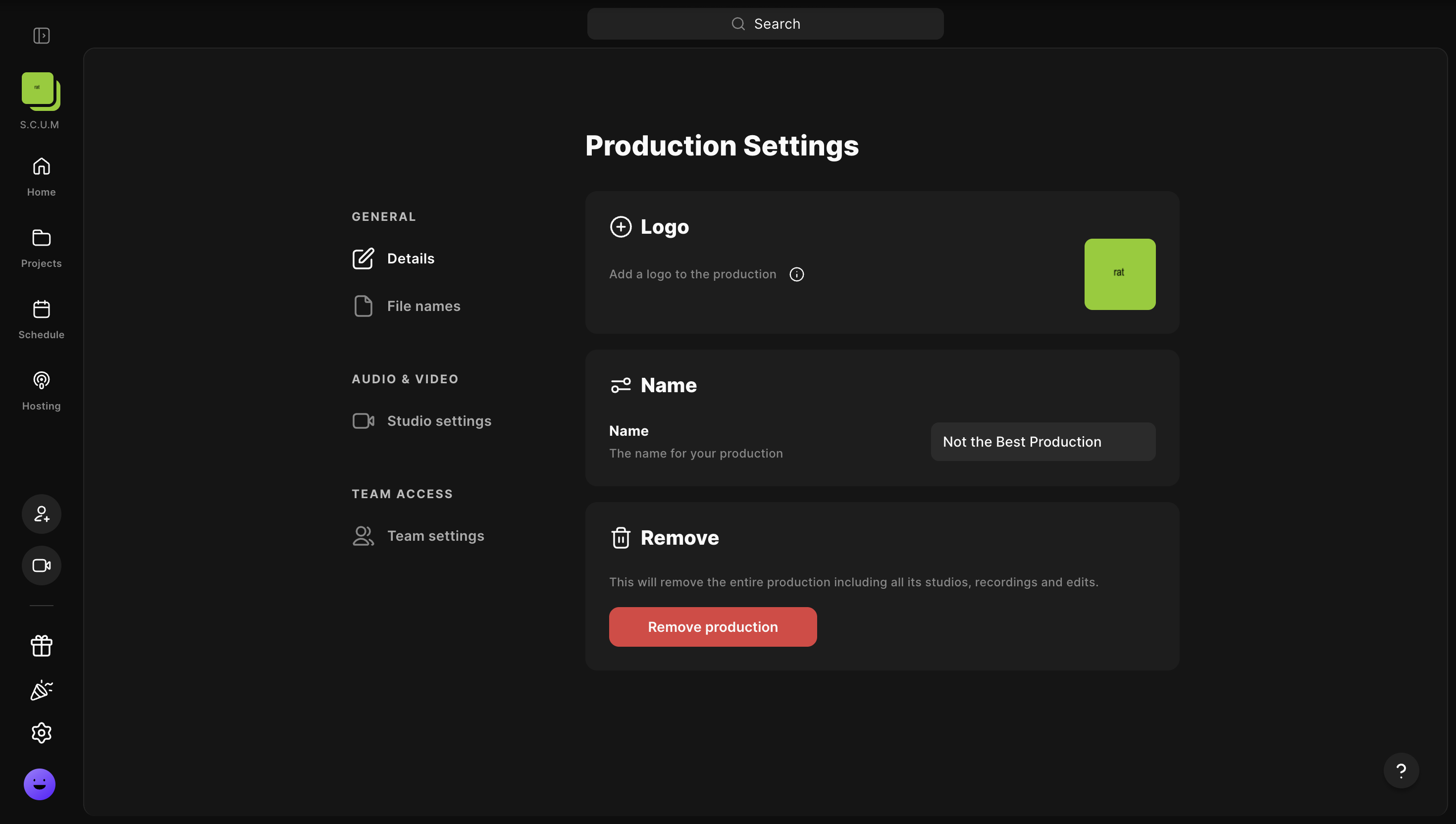
You can remove a production and its studios, including all of the assets they contain.
IMPORTANT:
If you remove a production, all its studios and projects, including recordings, tracks, and clips, are permanently deleted and cannot be recovered. Make sure to download any files you want to keep. You can also remove a single studio or remove the recordings from just one session.
 Step by step
-
On a computer,
log into your Riverside account.
- In the top left corner, click the current studio.
- Hover over the relevant production.
-
Click
••• [the three dots].
- Click Settings.
- Click Remove Production.
- Click Remove.
Good to know
- Directors and admins can only remove Productions they are assigned to.