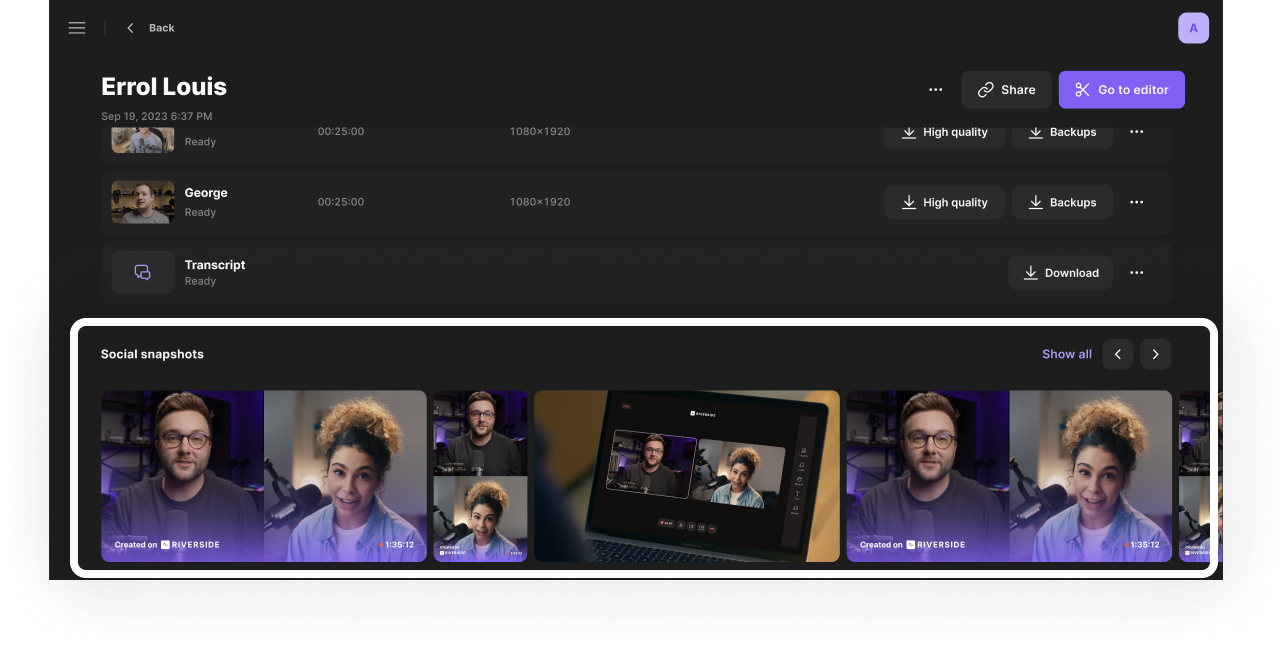
Riverside automatically captures still images during a recording session, specifically selecting moments where participants are smiling with open eyes. After the session, you can download and share these snapshots to promote your conversation.
Who: Hosts and producers
Plan: All plans
Device: Computer browser and Mac app
 Requirements
To receive social snapshot at the end of your recording session, your recording must meet the following criteria:
- The recording must be at least 5 minutes long and include a video track.
- The recording must include a host and at least one guest.
- The host and guests must have their camera on for more than 30 seconds. Participants who do not have their camera on are not included in the snapshots.
- Only participants using a computer browser during the recording will appear in snapshots.
 Good to know
- To ensure you get the most engaging photos, Riverside specifically selects moments where participants are smiling with their eyes open. If no smiles are detected during the recording, the system defaults to selecting moments with open eyes.
- All social snapshots include a Riverside watermark by default.
- It can take a few minutes after the recording ends for your snapshots to process and update on the dashboard.